
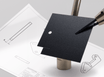
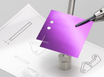
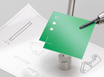
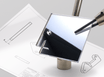
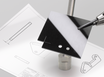
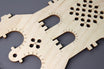
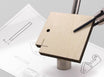
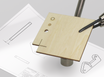
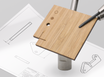
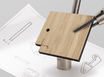
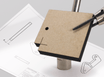
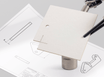
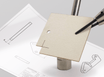
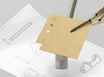
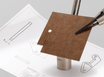

Fast, precise and economical: Create your custom products from a single piece.
Laser cutting
Precision and flexibility for your project
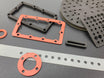
Have your design or part laser cut and receive it quickly? You can! You can laser cut, laser engrave and laser mark with us from almost all non-metals such as wood, plastic, foam, rubber and cardboard. Up to 1200x600mm and with machines up to 175W. Ordered online and delivered on your chosen date (1, 2, 4 or 13 working days). Also for individuals.
What is laser cutting?
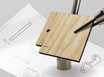
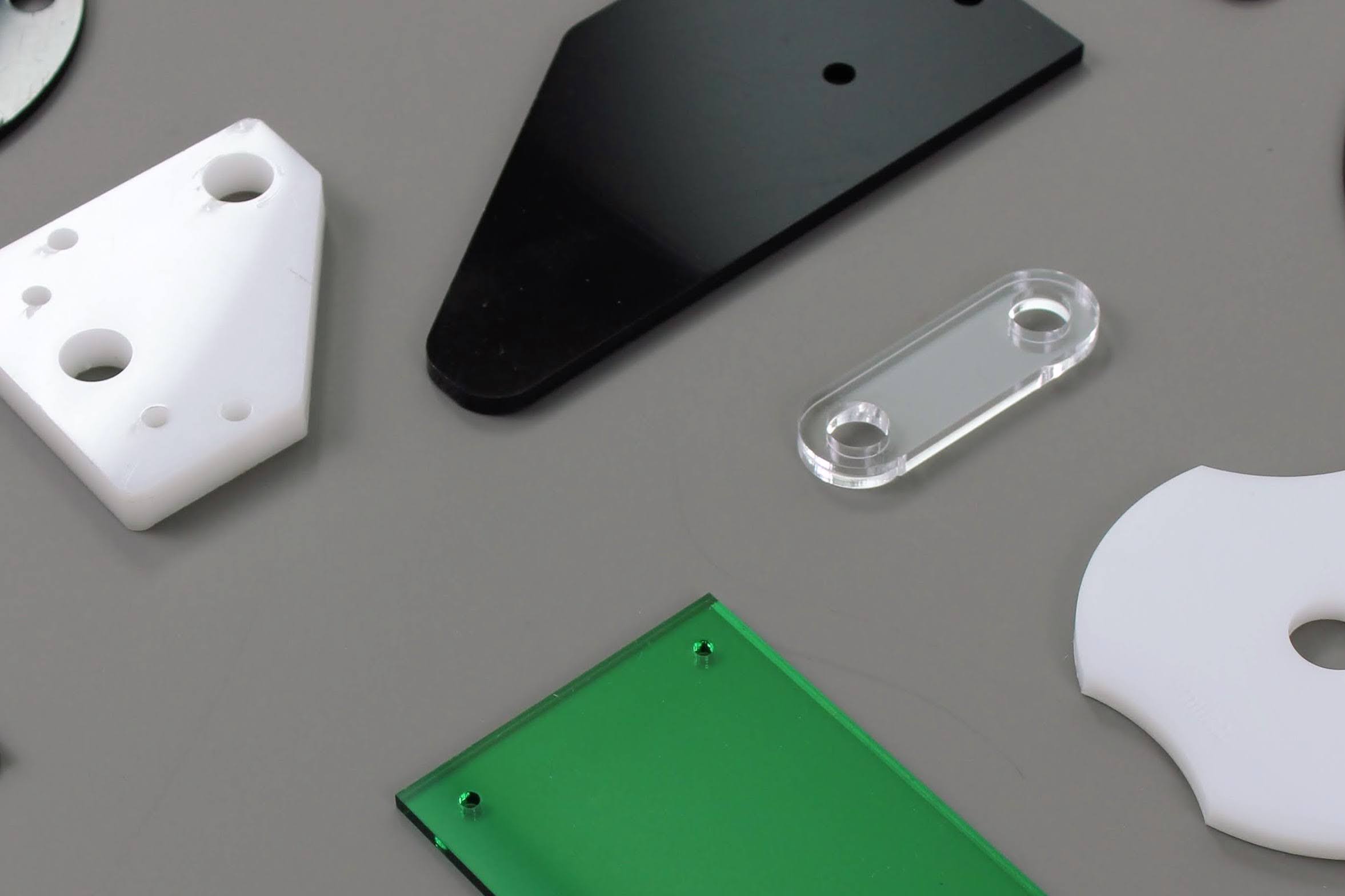
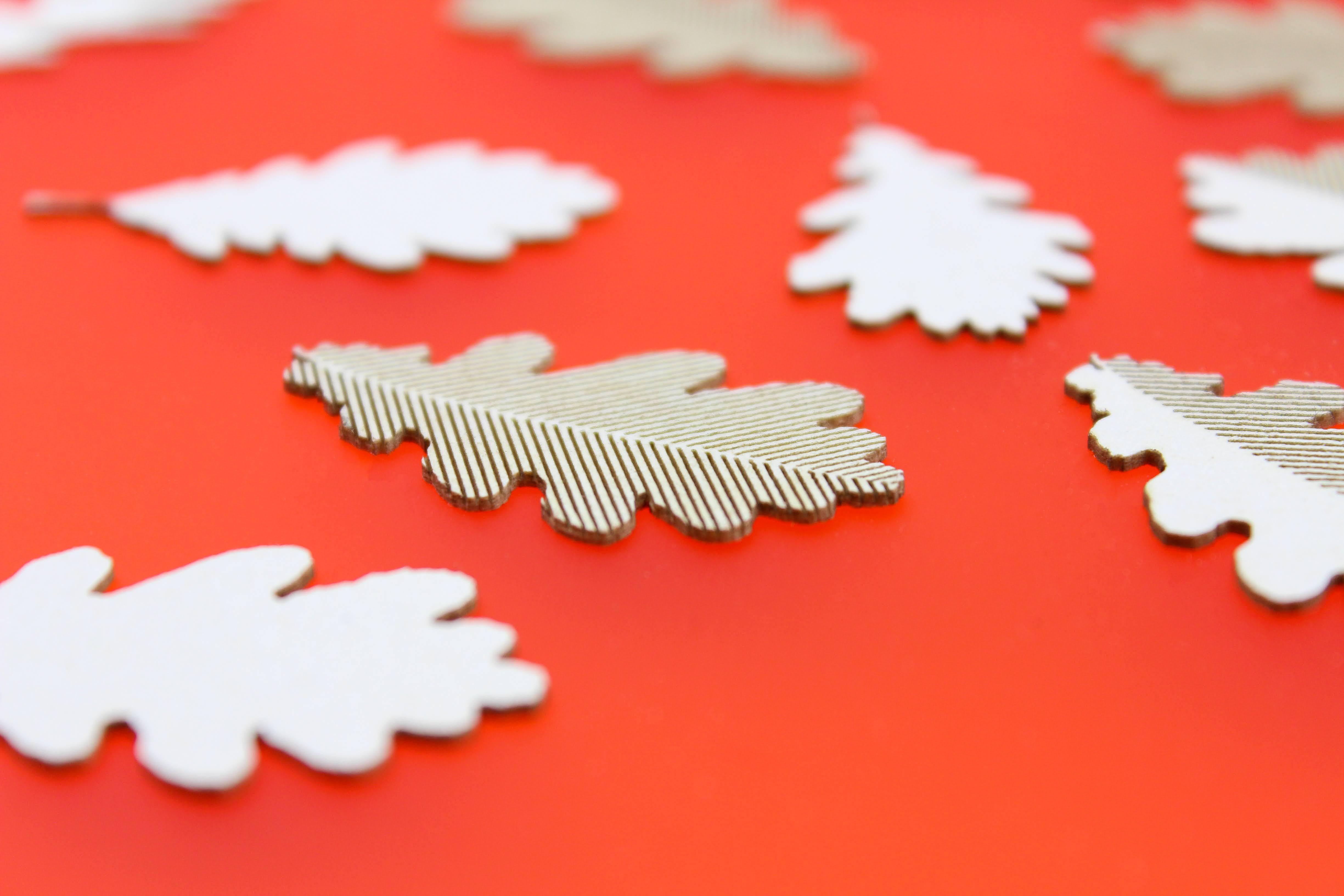
Laser cutting is a digital production technique. Based on a vector drawing, the laser beam cuts shapes from a sheet. No molds or dies are needed, making it fast and flexible.
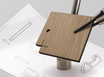
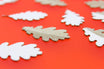
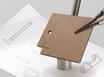
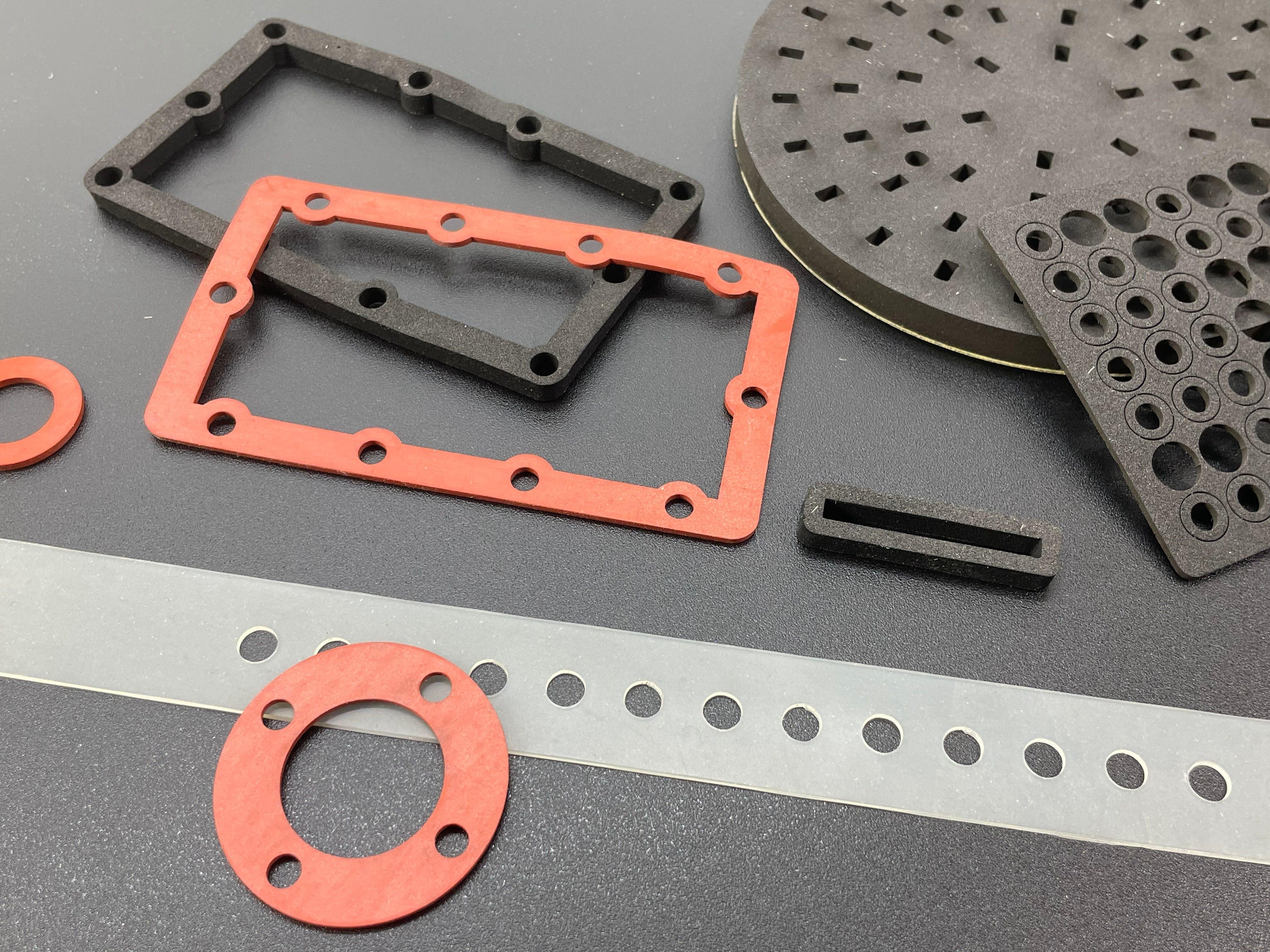
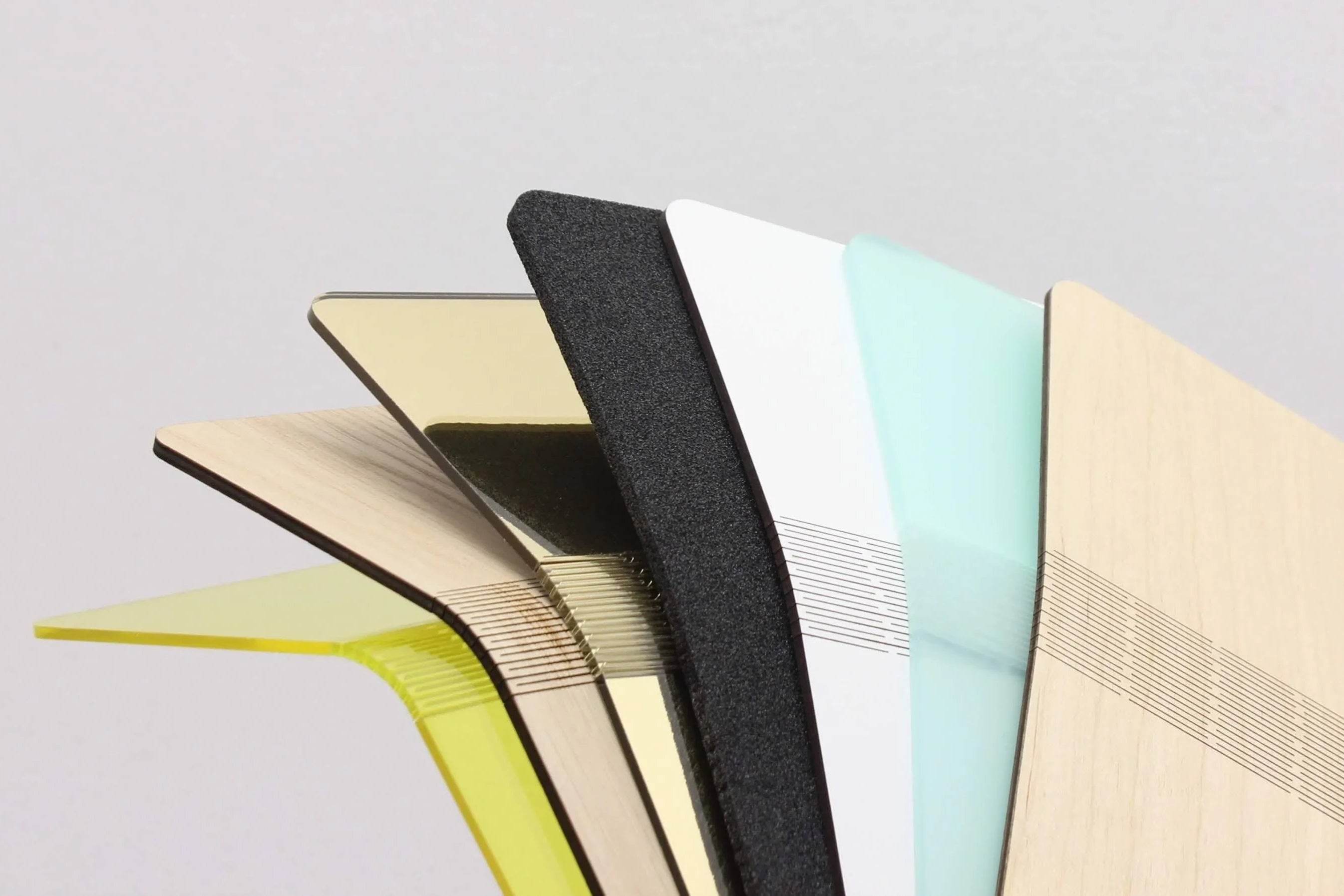
Snijlab offers a range of sheet materials to choose from. From wood to plastics and cardboard, but no metals. For example, you can laser cut plastics, or even wood. These materials have different properties, and the laser yields different results for each. Laser cutting wood often leaves a darker color where the laser has been, due to the heat. Therefore, always make sure to carefully consider which material you need.
Cutout
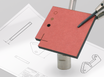
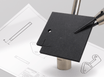
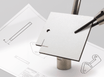
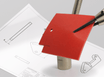
Laser cutting is the process of cutting a shape from a material. The drawn shape is cut loose from the sheet. This can be done with a high level of detail and great design freedom. Consider beforehand which material you want to use. Laser cutting wood gives a different result than, for example, laser cutting plastic or acrylic.
Engraving
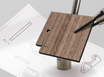
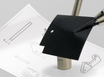
Laser engraving is the marking of a design on the surface of a material. This can be done with a single line or a filled area. The laser beam does not go through the sheet. When engraving, it's also important to choose your material carefully. Engraving wood leaves a dark surface, while engraving plastic leaves a light surface.
What the customer has to say
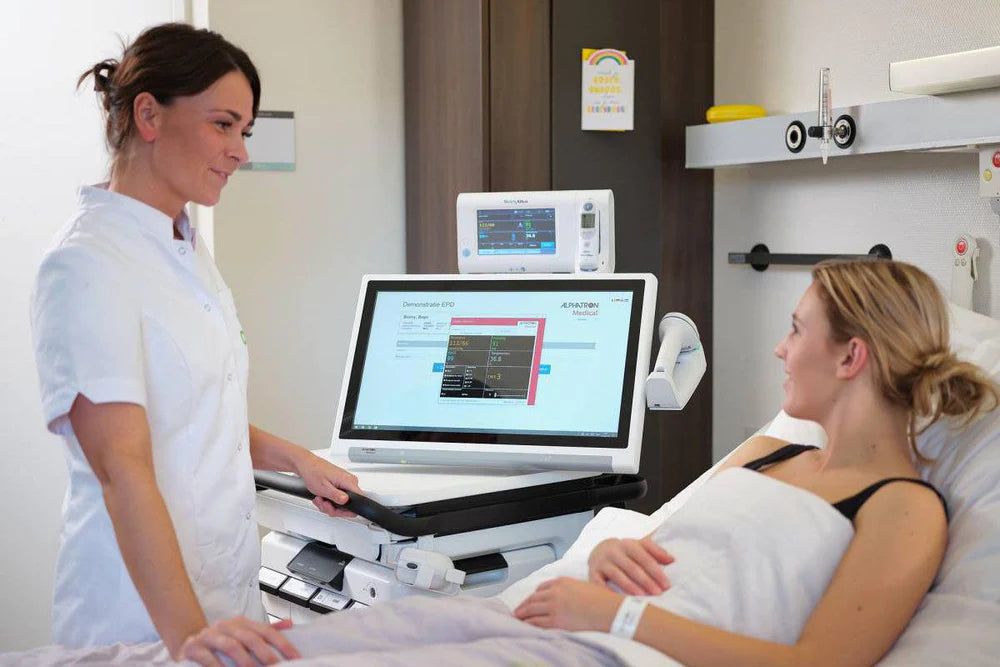
"Thanks to their online quotation tool, as a customer you can see for yourself which design adjustments affect the price. That way you can easily make adjustments."
- Sander Vieveen, Alphatron Medical
read moreSimple and scalable
We will cut and engrave your design from a material in our range. Upload your drawing, choose a material and delivery time. And we'll get to work for you.
Single pieces
Laser cutting can be as small as 1 piece. Low start-up costs make laser cutting suitable for custom parts, prototypes and personalized objects.
Series work
Snijlab's innovative technology makes laser cutting of larger runs efficient. At higher quantities, the unit price drops.
Want to see materials in real life?
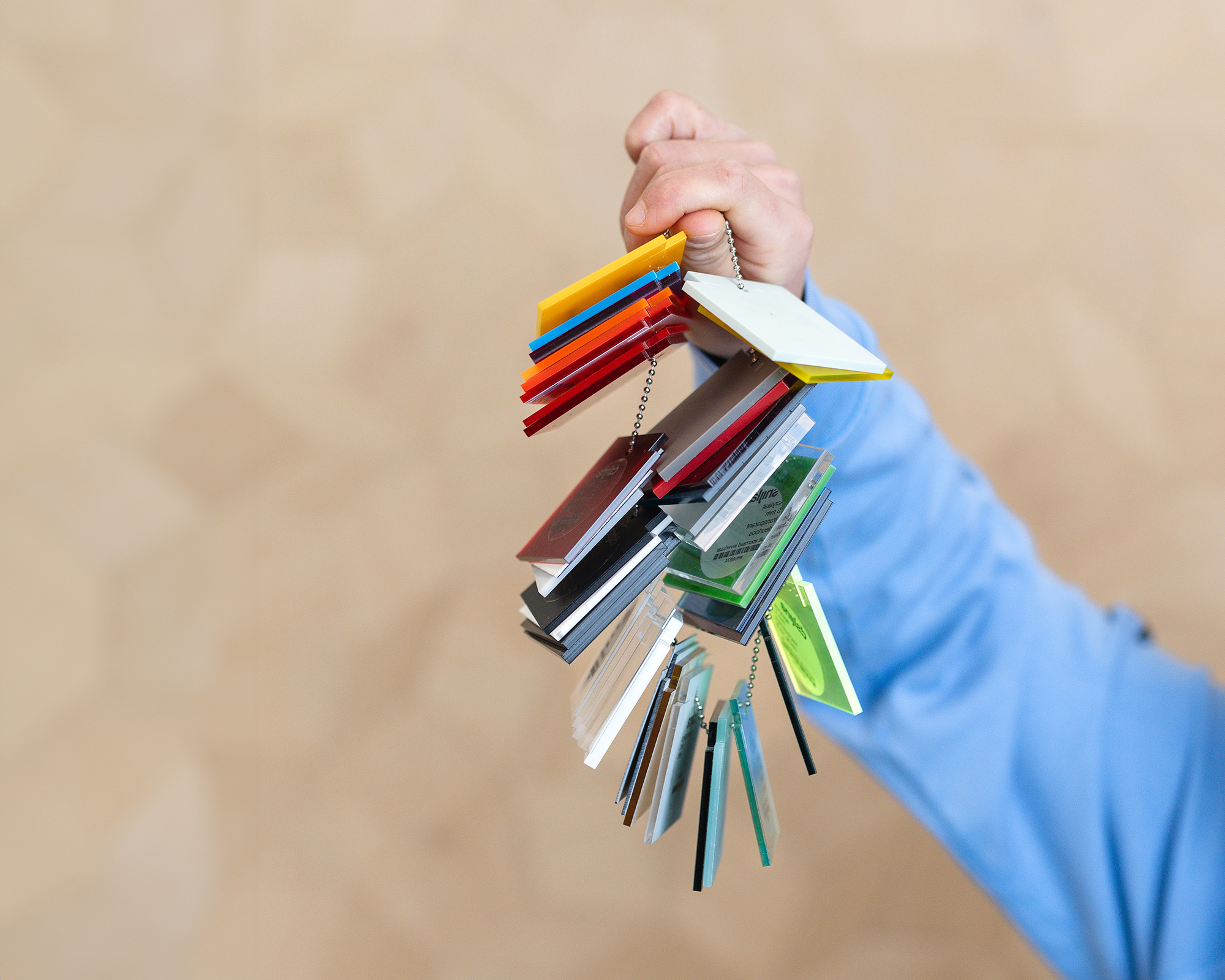
Order a material sample chain. Samples give a representative picture of the quality that Snijlab Provides. It also allows you to compare materials so you can make a good design decision.
To the material sample chains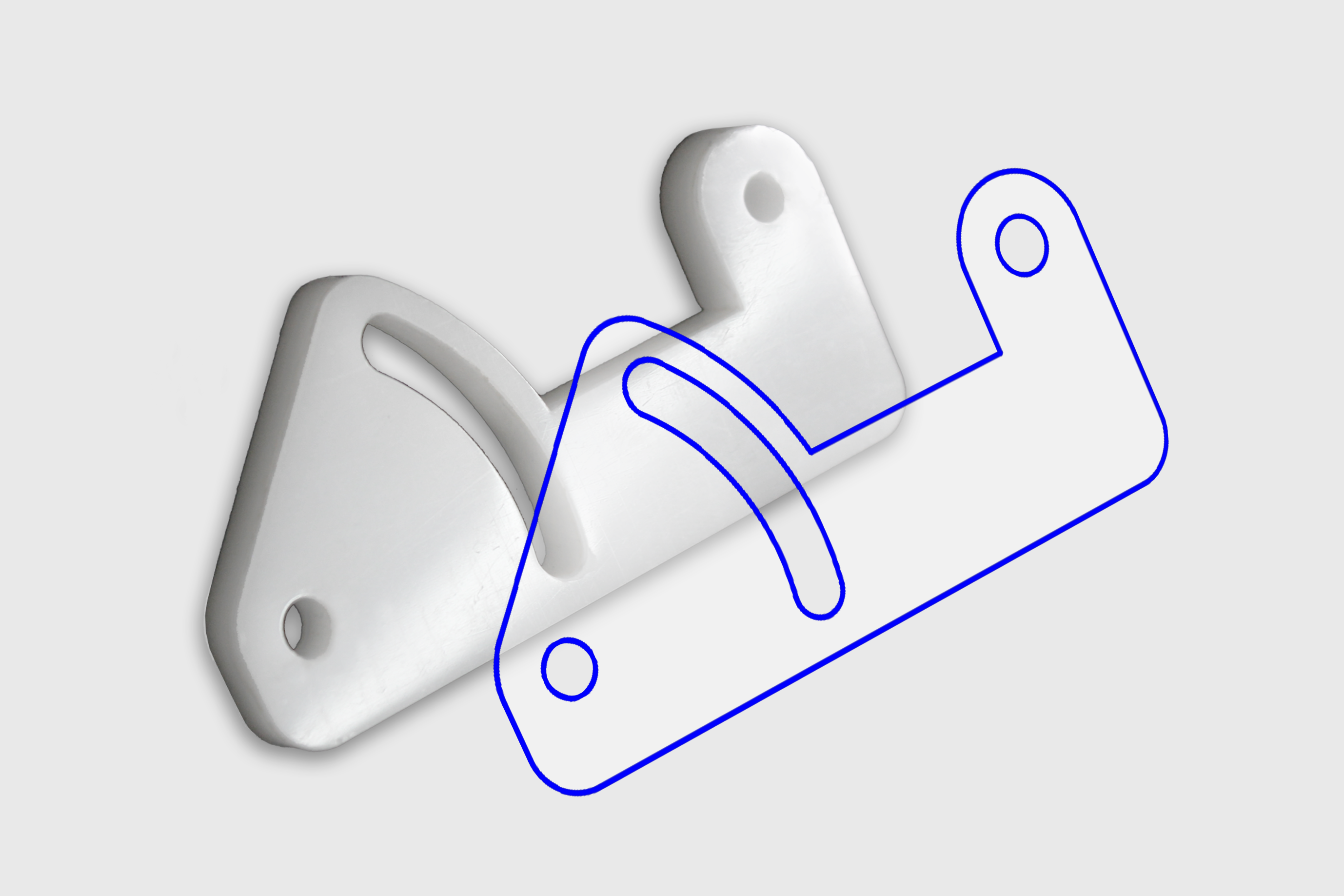
What do I need?
A drawing for laser cutting
Create a vector drawing and use the colors from our drawing rules. Upload your drawing and choose a material.
To drawing rulesWhat is the delivery time?
Choose your own delivery time.
Ordered today with express delivery means it's with you tomorrow. Prefer more affordable
laser cutting? Then choose a longer delivery time. We offer 24/7 laser cutting.
Delivery times affect the price.
This way, you can have your order quickly when you need it, or keep the
price low when you're working with a budget.
Express
1 business day
Order by noon today and pick up by 4 p.m., or receive by mail tomorrow.
Quick
2 business days
Order today and receive the day after tomorrow.
Standard
3 business days
Affordable
10 working days
What does laser cutting cost?
The price for laser cutting your design is automatically calculated in the shopping cart.
The price depends on, among other things:
- dimensions
- material
- thickness
- delivery time
- quantity
Upload your drawing, choose a material and delivery time, and see the price instantly.
Prices mentioned are indicative and include VAT

1 medium design: from €24.99
1 full plate: €65.43
1000 small parts: from €0.05/pc.
Blog
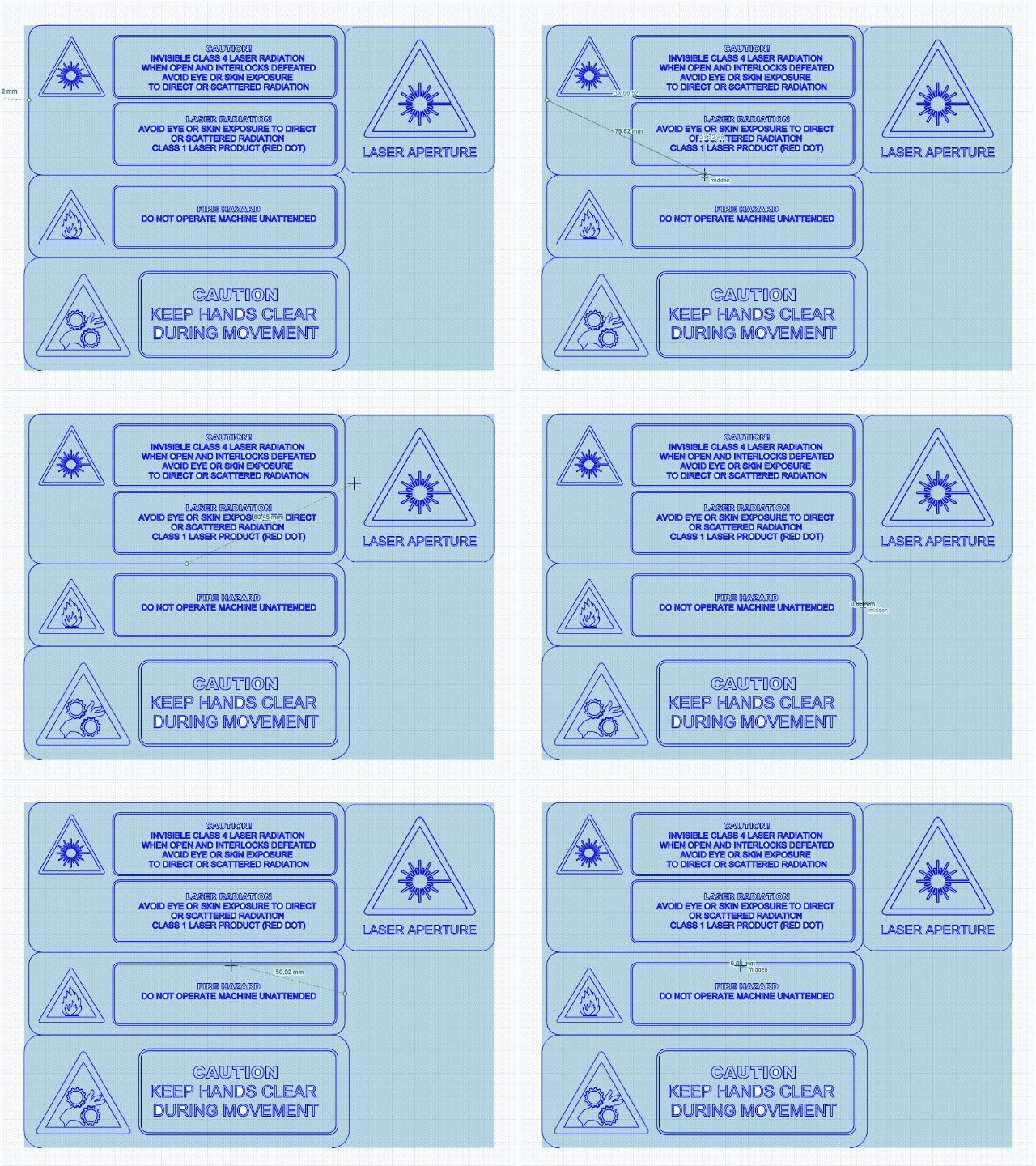
Our editor has two new features: clean up design and measure
We've added two new functions to our editor: vector file cleanup and measuring. The first ensures you only pay for what is actually cut, the second ensures that what you intend to cut is produced.
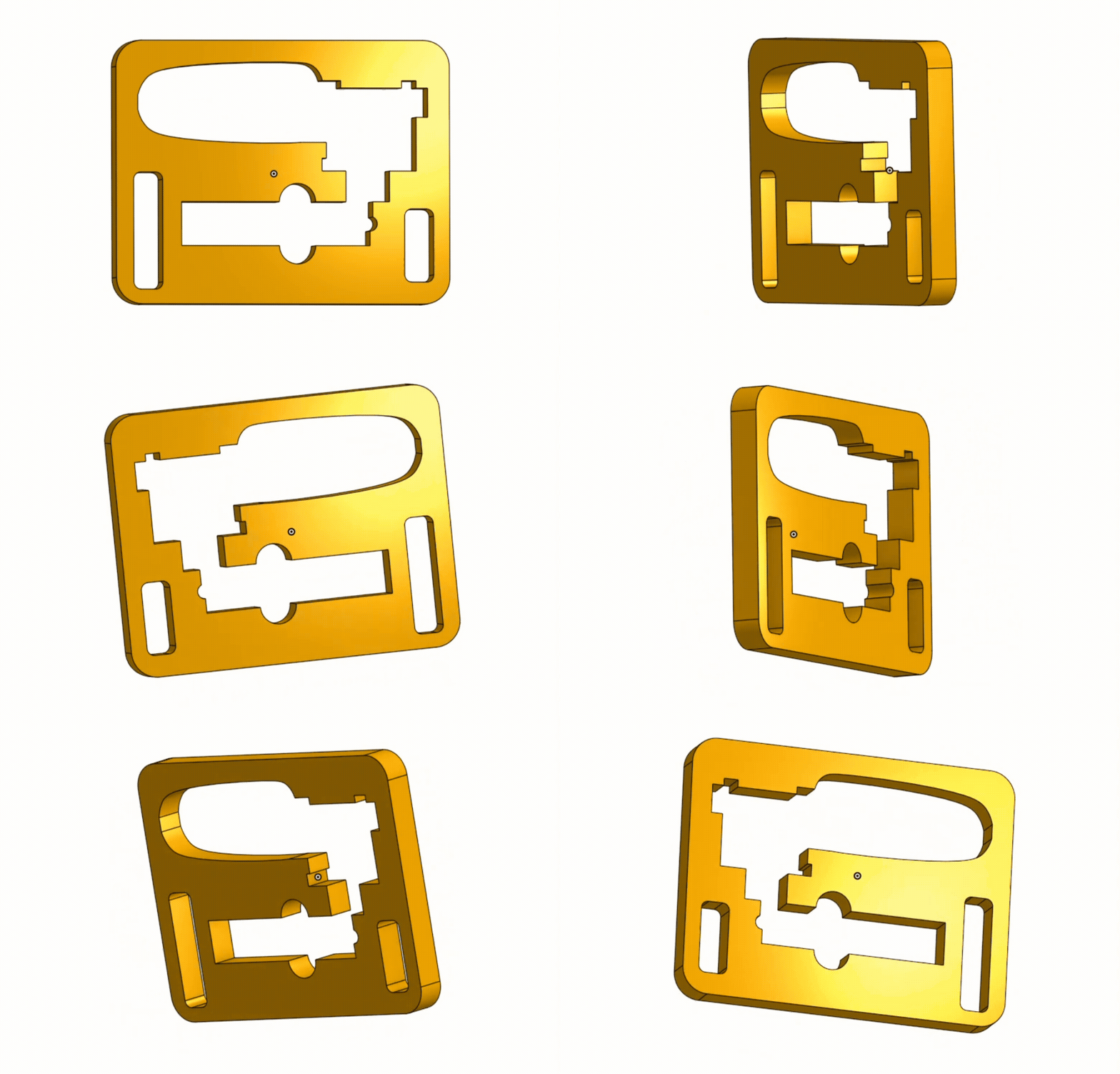
You can now upload STEP and SVG files
Until now, your design had to be in a 2D format first, such as DXF or PDF. This meant an extra export step for those who design in 3D and a workaround for those working with SVG. That's why we've e...
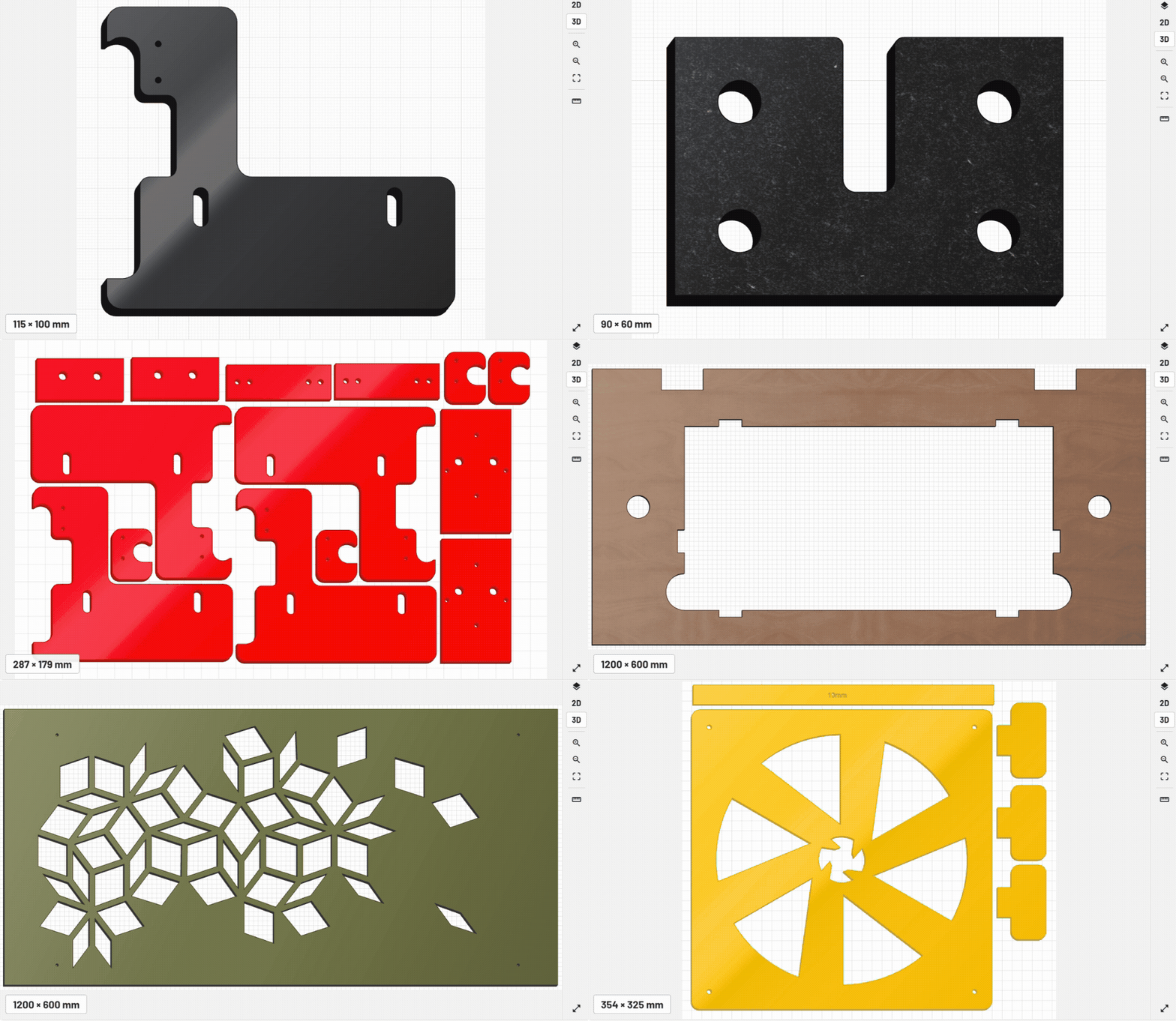
New in the editor: 2D, 3D, and technical preview
The preview in the Snijlab editor has received a major update. You can now view your design in three ways: 2D, 3D, and technical.
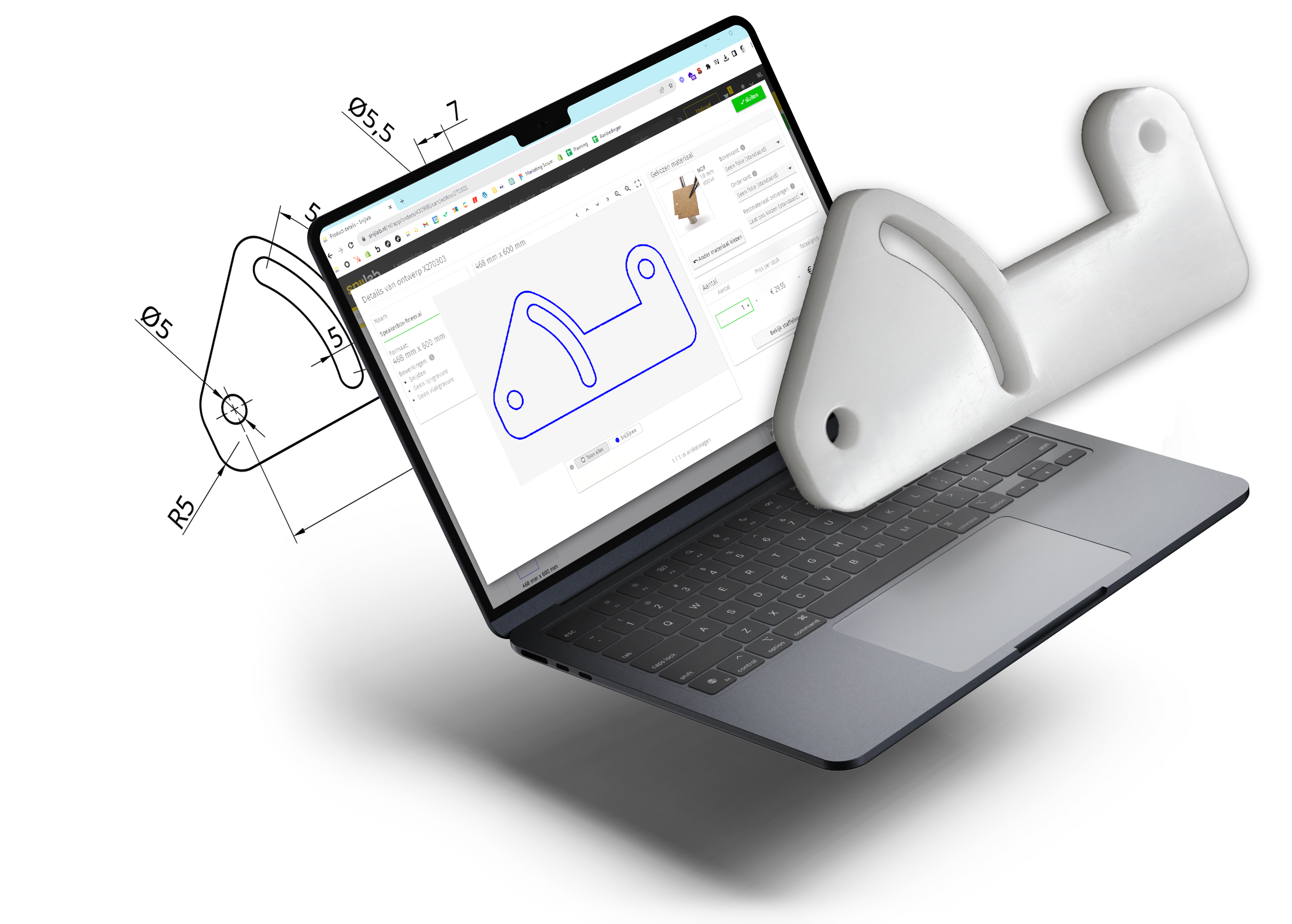
24/7 Instant quotes for laser cutting
Start your project today
- Create your design using our drawing guidelines
- Upload it at account.snijlab.co.uk
- Receive your parts on the delivery date of your choice
Learn how it works. Want to talk it over first? Our support team is ready to help!
Create a free account