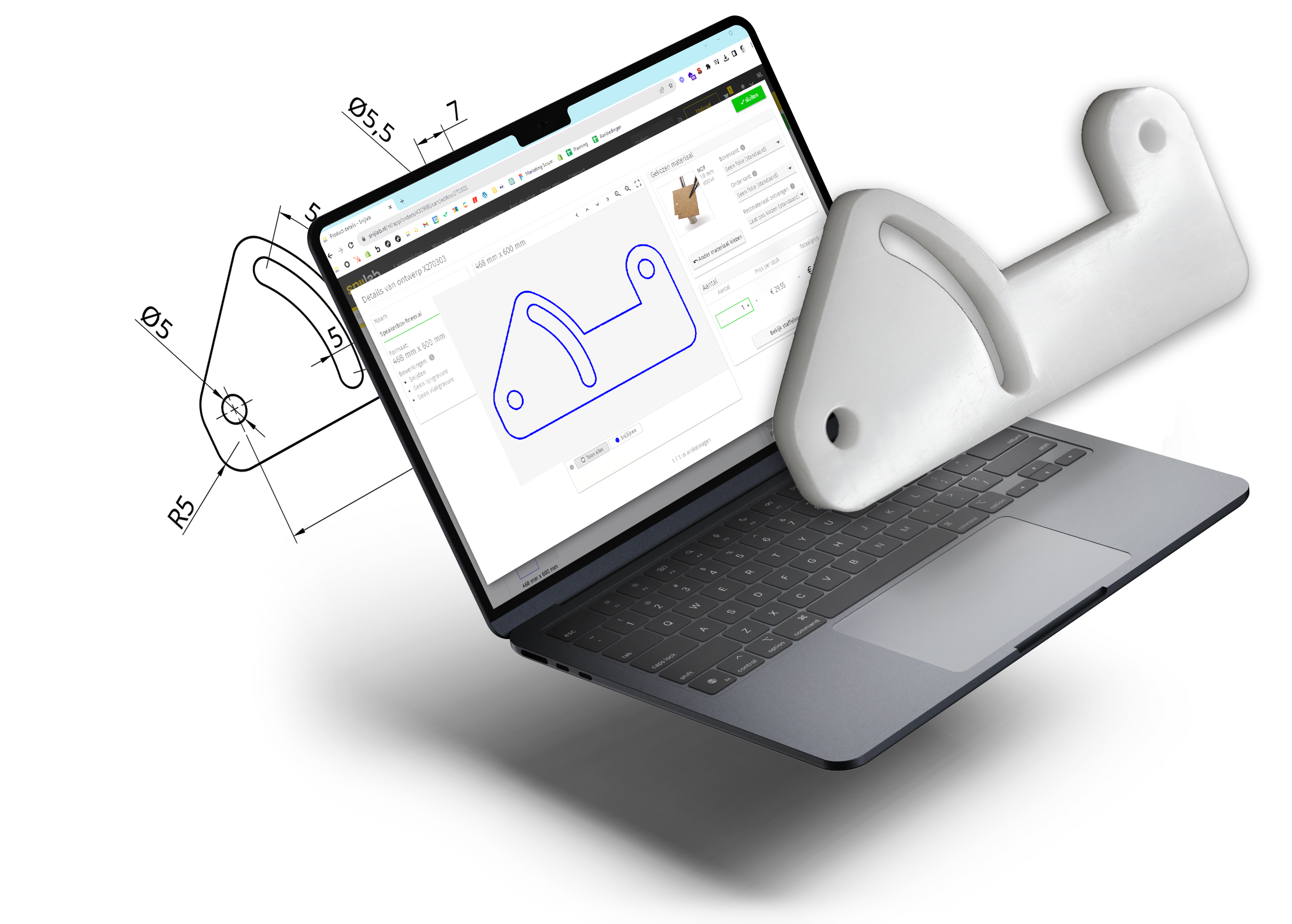


Whether you want to cut a logo, replace machine parts, are working on a creative study project, or are simply curious about the possibilities of laser cutting: everything starts with the right drawing program. For laser cutting, you always need a vector drawing, such as a DXF or SVG file. These can only be created with vector software. Such a drawing consists of paths that the laser can precisely follow for an accurate cut.
The choice of vector software is vast, but which one do you choose for your project? In this blog, we list the ten best drawing programs for laser cutting. Have you found your ideal software? Simply upload your drawing according to our drawing guidelines at Snijlab and receive an instant price indication. This way, you immediately know what to expect and can get started as quickly as possible!
Which laser cutting drawing program suits you best?
You can apply laser cutting in many different ways, whether for creative or practical purposes. At Snijlab, we differentiate between hobbyists, graphic designers, engineers, and students, each with their own wishes and preferences. Discover the four groups below and a concise overview of the ten best drawing programs for laser cutting.
Free Drawing Programs for Laser Cutting
Affinity by Canva FreeCAD Onshape Inkscape

Do you have no experience yet with vector software and are you mainly looking for an accessible, free drawing program for laser cutting to experiment with? Then read our in-depth blog for more information on the best free drawing programs.
Read more: The Four Best Free Drawing Programs for Laser Cutting in 2026
Affinity by Canva Laser Cutting: Free and Creative Vector Drawing

Affinity Designer (now Affinity by Canva) is a free vector program, acquired by Canva, that combines pixel, vector, and layout workflows in a single environment and is compatible with Adobe file formats. This drawing program is also called ‘Photoshop, Illustrator, and InDesign in one’.
FreeCAD Laser Cutting: Free CAD Software for Technical Drawing

FreeCAD is free, reasonably complex CAD software with a growing collection of workbenches, including a 2D sketching environment. The program offers precision for parts with strict dimensions.
Onshape Laser Cutting: Free Cloud-Based CAD Software

Onshape is innovative, free, fully cloud-based CAD software that automatically saves files and is always up-to-date, minimizing crashes as much as possible. So you can get started with this even with less powerful laptops.
Inkscape: The Most Used Free Software for Laser Cutting

Inkscape is considered a good Adobe Illustrator alternative. In this blog, you can read more about this program. Do you want to know how to create a vector drawing for laser cutting with Inkscape that you can upload to Snijlab? View our tutorial here.
Drawing Programs for Laser Cutting as a Graphic Designer
Adobe Illustrator Inkscape CorelDRAW

Do you already have some experience with 2D drawing programs, do you primarily work creatively, and do you want to cut out logos or decorations, for example? Then read our in-depth blog for more information on the best drawing programs for graphic designers.
Adobe Illustrator Laser Cutting: The Creative Industry Standard

Adobe Illustrator is the standard for creative vector drawing and is widely used for logos, typography, and illustrations. The software has many useful features for laser cutting applications, such as converting text to vectors.
View our guide here for creating and exporting a correct laser cutting file in Adobe Illustrator.
CorelDRAW Laser Cutting: Graphic Suite for Technical Precision

CorelDRAW is known for technical control and precision, combining tools for layout, raster graphics, and vectors within a single environment. The program is widely used for laser and other CNC applications due to its support for multiple file formats.
Inkscape Laser Cutting: Free Software with Low System Requirements

Inkscape is a free drawing program for laser cutting with all the basic functions required for it. Although it has fewer advanced functions and a smaller community, its free installation and low system requirements make it a good choice for beginners and students on a limited budget.
Do you want to know how to create and export a vector drawing with Inkscape? View our tutorial.
Drawing Programs for Engineers Who Laser Cut
AutoCAD Rhinoceros SolidWorks

Do you need a drawing program with high precision and do you already have experience with CAD software? Then read our in-depth blog for more information on the best drawing programs for engineers.
Read more: AutoCAD, Rhinoceros 3D, and Solidworks: The Best CAD Software for Laser Cutting
AutoCAD Laser Cutting: Powerful Drawing Program with Strong 2D Workflow

AutoCAD by Autodesk is powerful CAD software for laser cutting with a strong 2D workflow, ideal for creating precise cutting files for technical parts. With industry-specific toolsets, automation via AutoLISP, and support for external references, it is a highly efficient drawing program for engineers.
Rhinoceros 3D Laser Cutting: Software for High Precision and NURBS Geometry

Rhinoceros 3D is a CAD program that creates highly precise and production-ready cutting files and runs smoothly for an efficient workflow. Thanks to NURBS geometry, powerful add-ons like Grasshopper, and the nesting function, it is ideal for modeling complex, organic shapes and optimally utilizing material.
Solidworks Laser Cutting: The Technical Industry Standard

Solidworks is complete engineering and production software with advanced tools such as the Sheet Metal Module for designing sheet metal parts. The drawing program also includes integrated simulations for optimizing laser cutting designs.
Drawing Programs for Laser Cutting as a Student
Adobe Creative Cloud SolidWorks Autodesk Fusion

Are you working on a laser cutting project for your studies and looking for powerful drawing software without paying a premium price? Then read our in-depth blog for more information on the best drawing programs for students.
Read more: Laser Cutting as a Student: Which Affordable or Free Drawing Program is Suitable?
Adobe Creative Cloud Student License with Illustrator: Trusted Drawing Program for Laser Cutting

Adobe Illustrator is considered the standard vector drawing program. If you purchase a Creative Cloud student license, you not only get access to Illustrator but also to many other software, such as Photoshop and InDesign. For this, as a student, you also pay a few euros less per month than for just an Illustrator subscription.
Solidworks Student: Powerful and Affordable Drawing Program for 3D CAD Design

Solidworks is known worldwide for its extensive possibilities and functions. It is used for 3D CAD design and technical drawing, especially in product design and engineering. The Solidworks Design Premium student license, at 51.20 euros per year, is considerably cheaper than the professional license, while still granting access to the same features.
Autodesk Fusion Student: Completely Free CAD Drawing Program During Your Studies

Autodesk Fusion, formerly Fusion 360, is a professional cloud-based CAD/CAM platform. The drawing program includes all standard CAD functions and has useful extras, such as flattening a multi-part design. You can sign up for a completely free educational license as long as you are studying at an accredited institution. This also applies if your school does not have an Autodesk Fusion license itself.
Upload Your Vector Drawing to Snijlab
Whether you want to laser cut wood, plastic, or acrylic, it's possible at Snijlab. Upload your drawing, choose your material and desired delivery time, and receive an instant price. Now that you know which drawing program suits you best, you can quickly start your project!