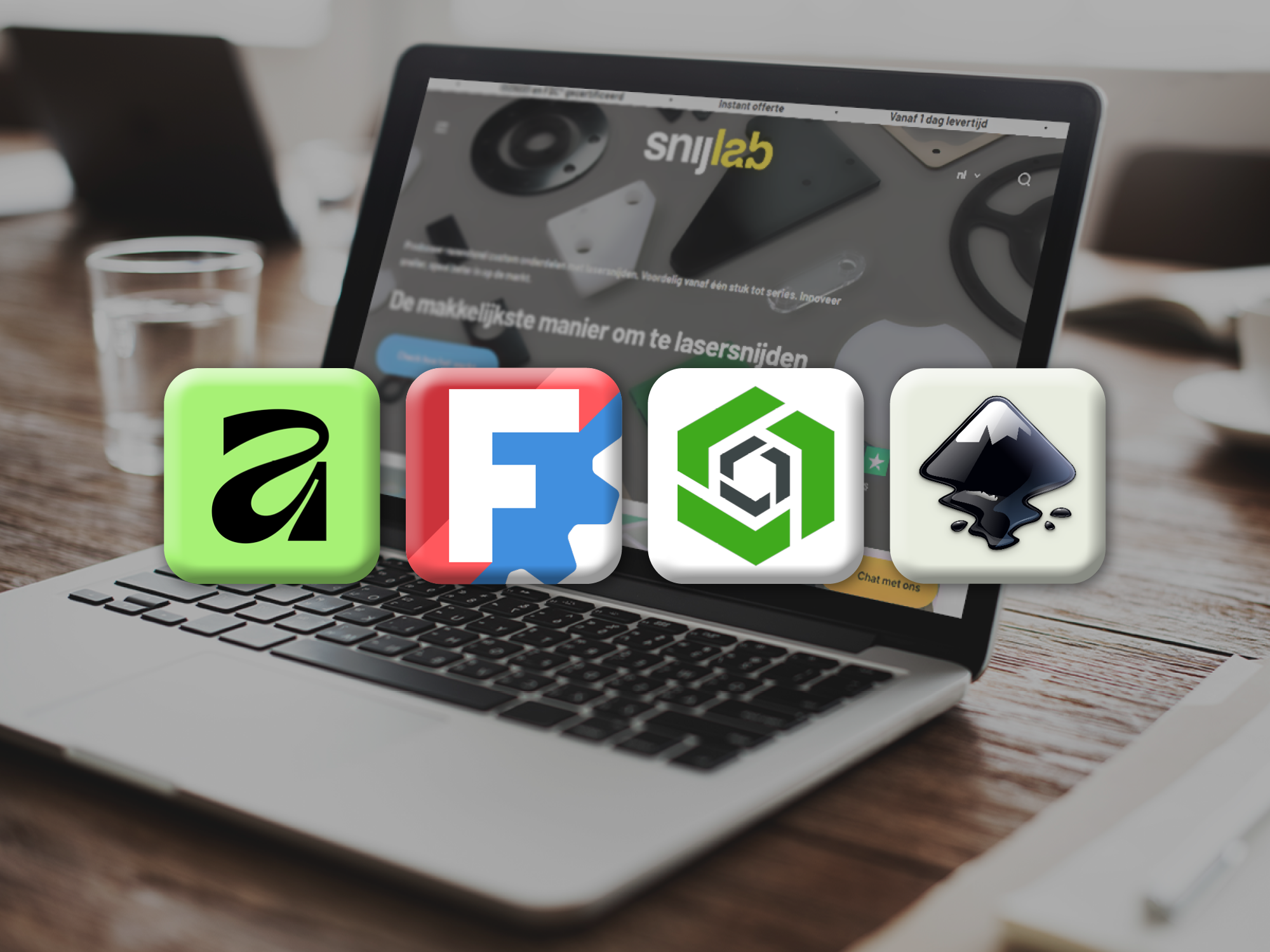

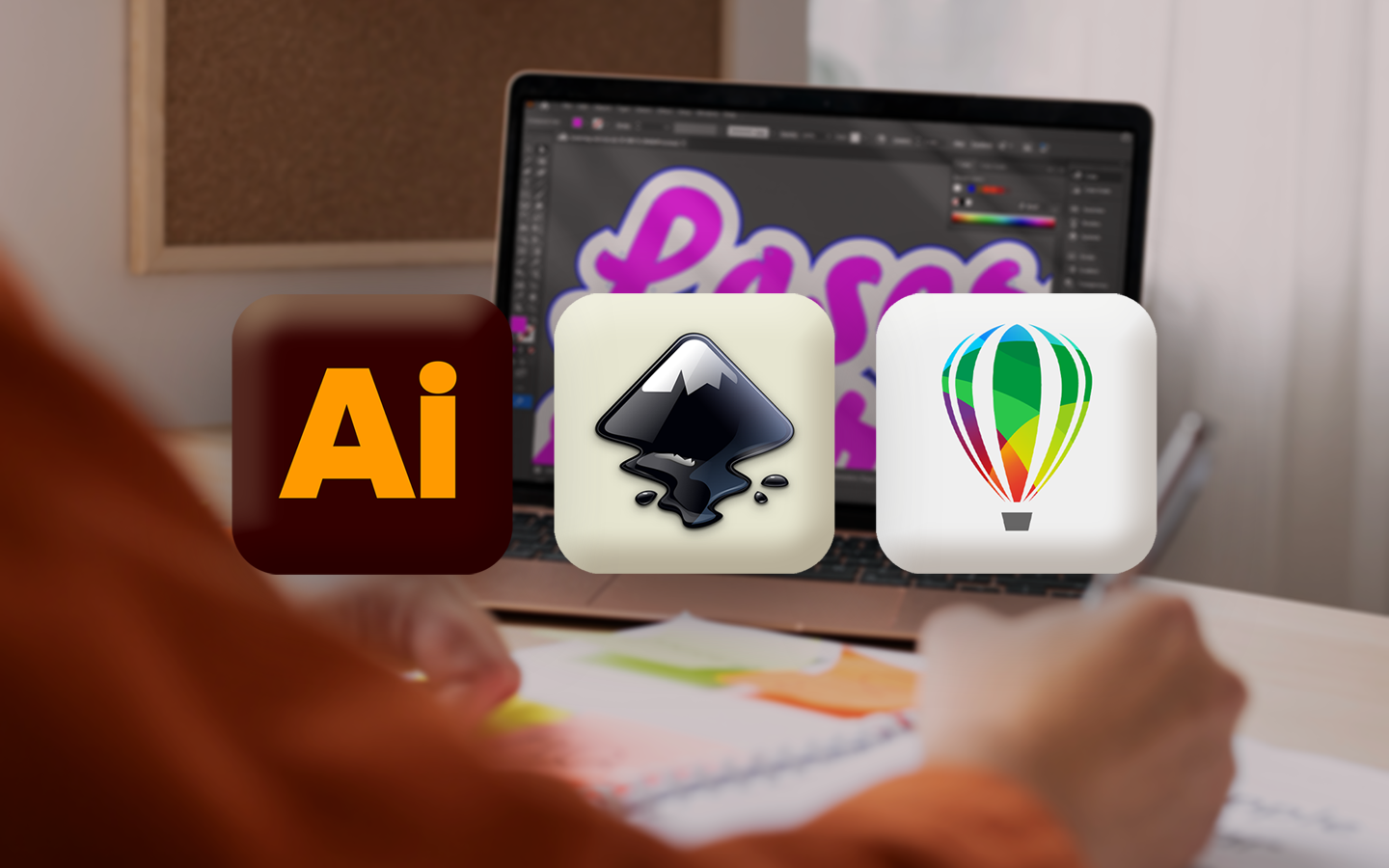
Laser cutting a logo from wood with razor-sharp precision? Or engraving a signboard onto a silver ABS sheet? As a graphic designer, laser cutting offers many exciting possibilities. But which vector software is most suitable for graphic designers who want to use laser cutting? Adobe Illustrator vs CorelDRAW vs Inkscape: discover the differences and which vector software you can best use for your project.
Why do graphic designers need vector software for laser cutting?

Laser cutting does not work with pixels, but with vectors. Unlike raster images, vector files consist of paths that the laser can follow precisely. A vector file is indispensable for laser cutting. And to create good vector drawings, you naturally need software. there are many different programs you can choose from. The right software truly makes a difference for the smoothest possible production process. To help you make your choice, we have outlined the most important pros, cons, and differences between Adobe Illustrator, CorelDRAW, and Inkscape.
Adobe Illustrator: familiar territory for graphic designers

You've probably heard of Adobe Illustrator. This program is considered the standard in vector drawing. The software is particularly popular for logos, icons, typography, and complex illustrations. Although Adobe Illustrator is less precise than CAD software, it still has many features useful for artistic laser applications, such as converting text to vectors.
If you, as a designer, are already familiar with similar programs, such as Adobe Photoshop, you really can't go wrong with Illustrator. View our guide here for creating and exporting a correct laser cutting file in Adobe Illustrator.
Illustrator is a useful tool to have during a multi-program design process for touch-ups and additions. But the vector software is also very suitable for complete projects. A point to note is that the program often tends to freeze and crash. Additionally, an Illustrator subscription, priced at €26.43 per month, is relatively expensive compared to other vector software.
CorelDRAW: powerful for production and precision

Where Illustrator excels in creative design, CorelDRAW is known for technical control and precision. CorelDRAW is a graphic suite that combines tools for layouts, raster images, and vector drawing through convenient shortcuts. This makes it widely applicable for various projects. Compared to software like Adobe Illustrator, CorelDRAW offers broader functionality within a single environment.
CorelDRAW is often used for laser and other CNC (Computer Numerical Control) applications due to its support for multiple file formats. The import and export of drawings from CAD software also runs smoothly with CorelDRAW. This makes the program well-suited for processes where precision and compatibility are important. The price for CorelDRAW is €335. Tip: On the CorelDRAW website, you can find many blog posts, including tutorials and insights into the history of vectors and their applications.
A disadvantage to keep in mind is that not all CorelDRAW functions are available in every version, even features considered standard. Also, CorelDRAW's customer service is not very accessible.
Inkscape: free alternative for laser cutting

Are you a budding designer, student, or creative with a limited budget, and an Illustrator or CorelDRAW subscription isn't currently feasible? Then Inkscape is your savior! Inkscape is a free vector software, often used for CNC and laser projects, and a good alternative to Illustrator and CorelDRAW.
While Inkscape doesn't have all the features offered by the other two programs, it does have all the necessary functions for vector drawing. Inkscape has almost as many tools as Illustrator, while its system requirements are significantly lower. This means even an average laptop can handle a large and complex project. With Inkscape, you can therefore easily get acquainted with vector drawing and laser cutting. Do you want to know how to create and export a vector drawing with Inkscape? Check out our tutorial.
Please note: You cannot export in widely used formats like .AI via Inkscape. Additionally, the user community is much smaller, with fewer resources for learning. In this tutorial, we explain how to create vector drawings with Inkscape for laser cutting that you can upload to Snijlab.
Illustrator vs CorelDRAW vs Inkscape: the main differences
Do you already know which vector software you prefer? Below, we briefly summarize the main differences between Adobe Illustrator, CorelDRAW, and Inkscape.
CorelDRAW vs Illustrator: Illustrator is the popular industry standard and ideal for creative graphic design such as logos and typography; it works well within a larger production process, but sometimes lacks precision and is relatively expensive. CorelDRAW offers more technical control and supports multiple file formats, making it very suitable for laser and CNC projects, but some features are version-dependent, and customer service is less accessible.
Illustrator vs Inkscape: Inkscape is free and accessible, with all basic functions for vector drawing and laser cutting, but it lacks advanced options and export capabilities to commonly used formats like .AI. While using Illustrator, your laptop is more prone to freezing; Inkscape has almost as many tools and requires lower system resources.
Which software best suits your laser cutting project?

Which vector software you choose depends entirely on your experience, the type of project, and your budget. Do you have a well-performing laptop and primarily work creatively, for example, on logos, decoration, or typography? Then Illustrator is a logical choice. This software offers everything you need to create creative designs and provide the correct files for laser cutting. Chances are that as a designer, you already have access to these programs. If not, it depends on whether you are willing to pay the subscription costs of €26.43 per month.
Do you want your designs to be technically precise, suitable for production, and easy to exchange with CAD software? Then CorelDRAW is a better fit for your laser cutting project. This vector software supports many file formats, which makes it ideal if compatibility is important to you. This way, you can be sure that your design can be produced without problems, for example, with complex or series projects.
Are you a beginner or do you have a limited budget? Then Inkscape is a very suitable option. It's free, has all the basic functions for vector drawing and laser cutting, and also works on less powerful laptops. It's ideal for simple projects and experiments, but for larger, technically demanding designs, the software is less suitable, and export options are limited.
By aligning your choice well with your experience and budget, you will get the most out of your laser cutting process!